

Gallery Styles
All galleries begin with a clean grid layout. The options below introduce different levels of interactivity and browsing experience.
Basic Gallery
Basic Included with website

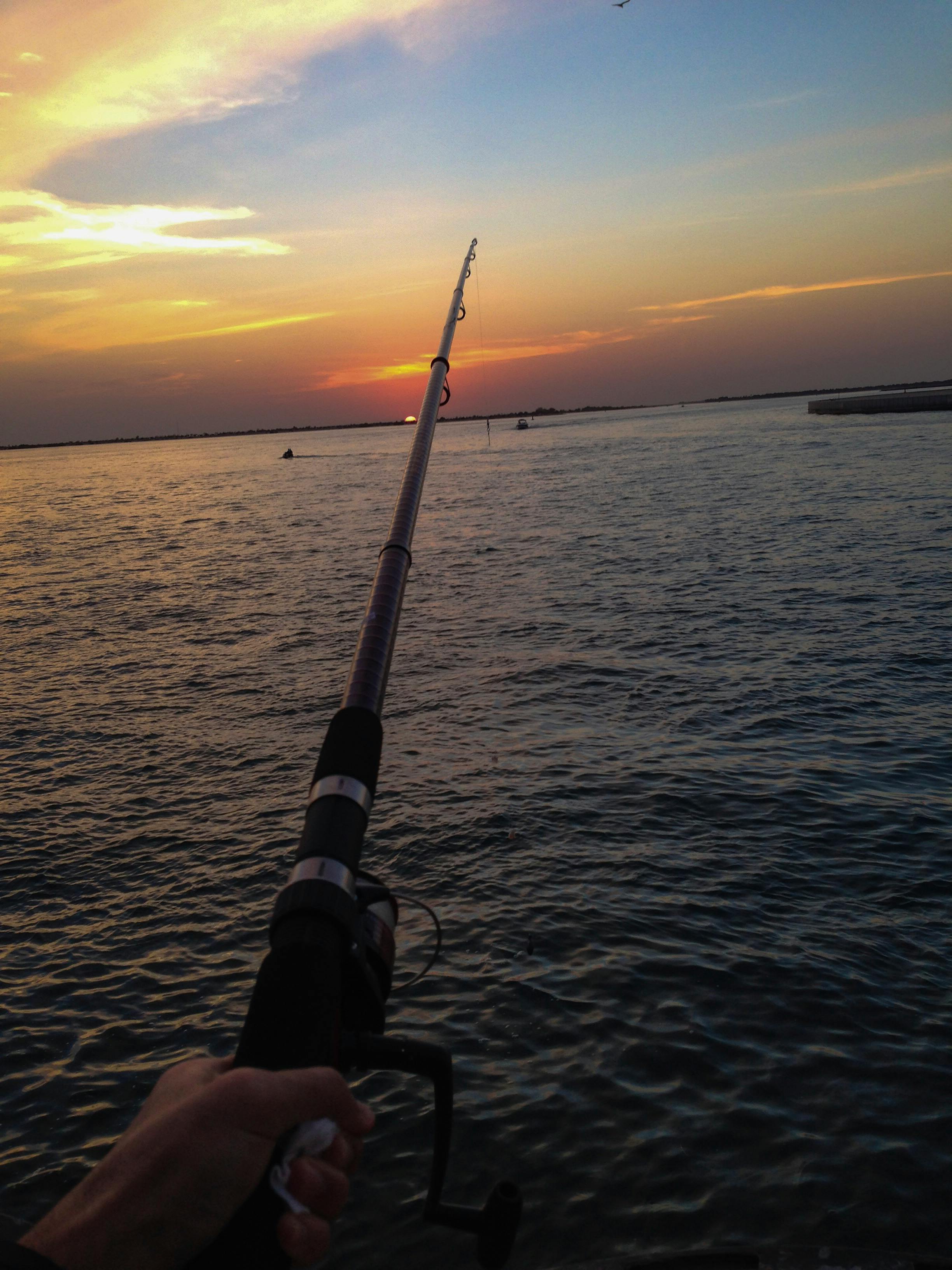


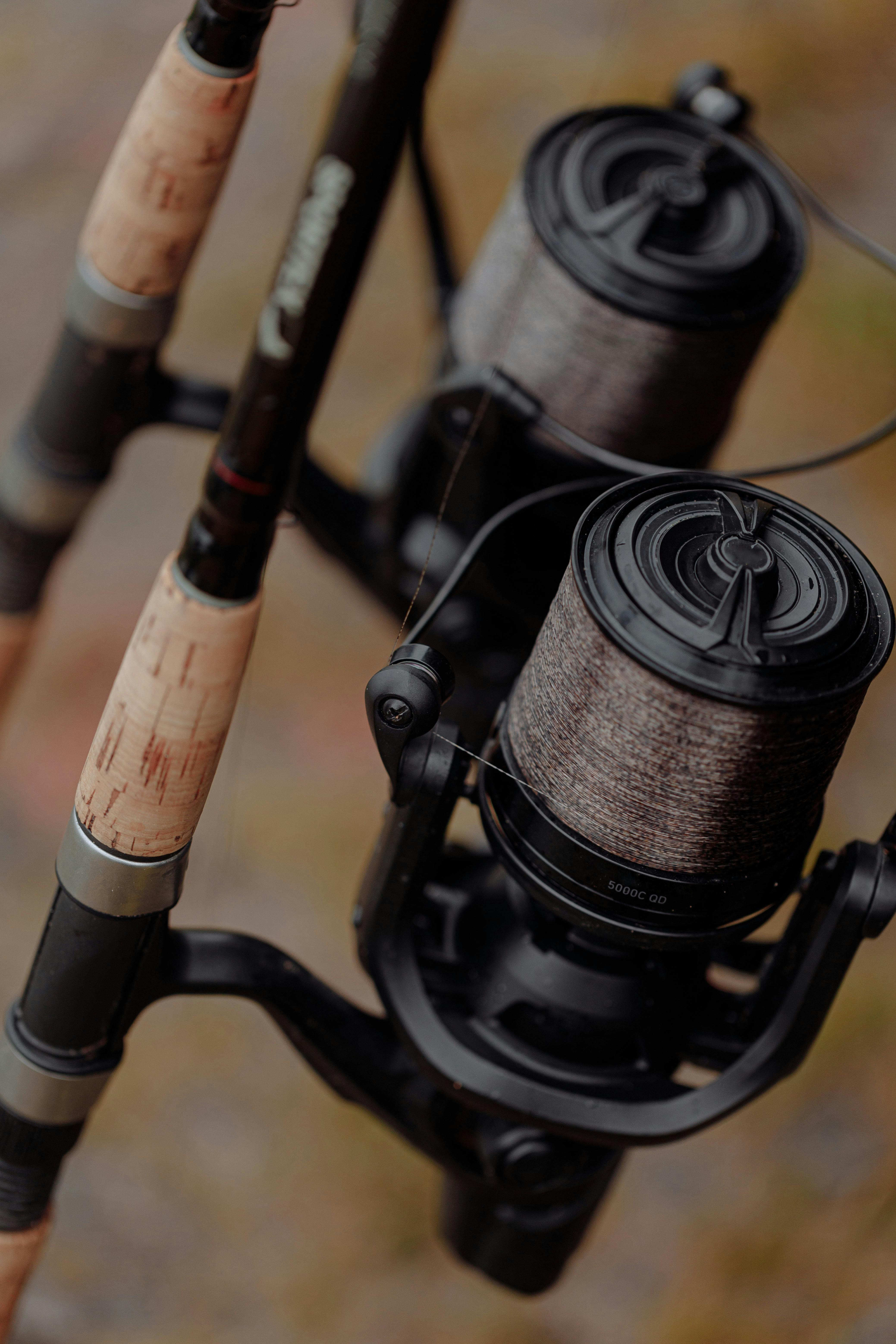
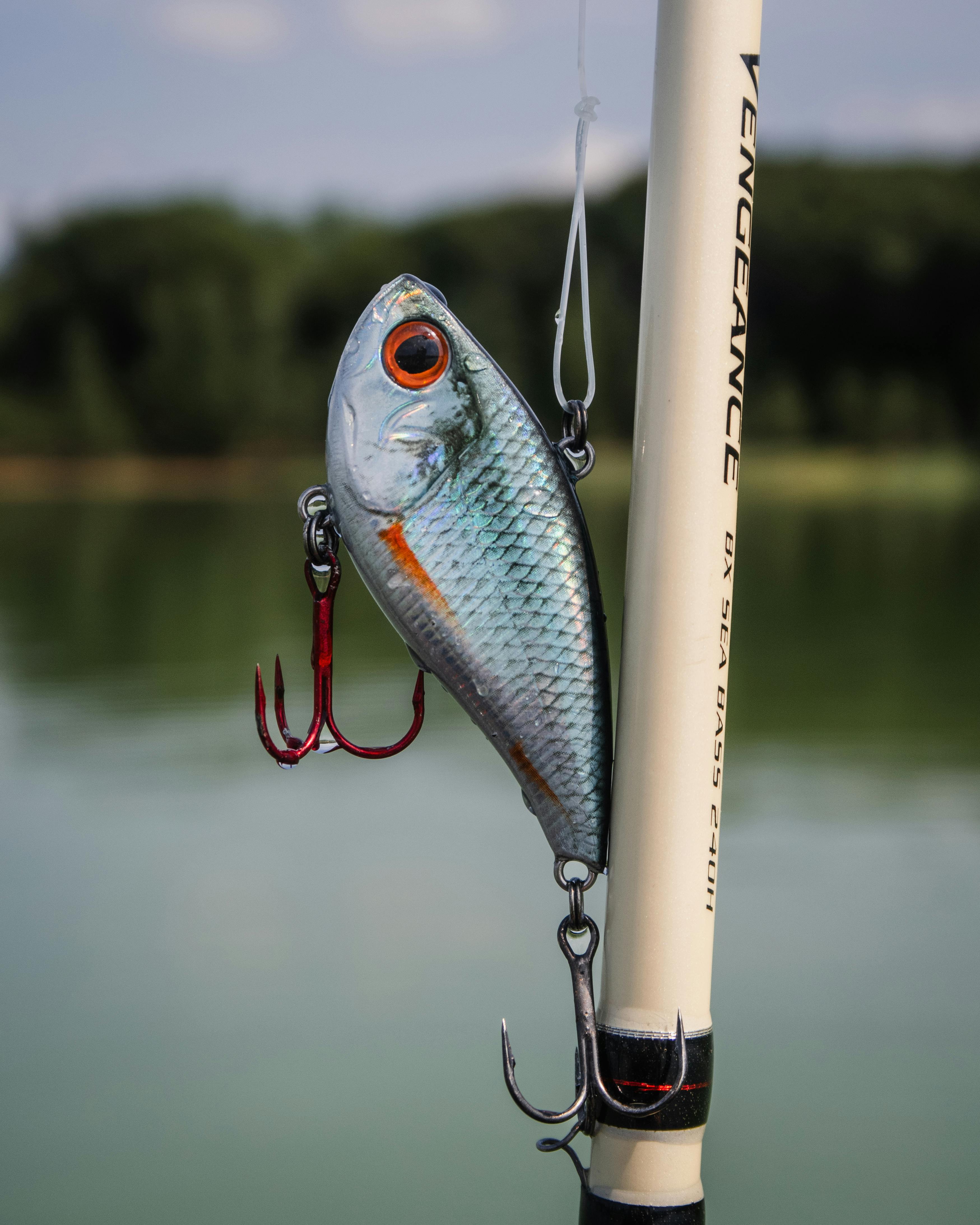
A clean grid layout for displaying images
Interactive Gallery
Images animate and expand when selected.
Hover Gallery
Images respond with a subtle zoom or pop effect when hovered by mouse.
*Works best with desktop devices.*
Filter Gallery
Allows visitors to sort images by categories for a cleaner, more organized viewing experience.
Carousel Gallery
Displays one image at a time with arrow controls, giving visitors a focused, slideshow-style browsing experience.
Lightbox Gallery
Images open in a full-screen overlay with left and right navigation controls and an image counter, allowing visitors to browse seamlessly through the entire gallery.
Gallery Packages
Enhanced Gallery
Hover/Interactive + Filter
Combines smooth hover animations with interactive category filtering, allowing visitors to explore and sort images effortlessly while enjoying visual effects.
Best for: Portfolios and multi-service showcases that need organization with a modern touch.
Carousel + Lightbox Gallery
Carousel + Lightbox
A focused slideshow experience paired with full-screen lightbox viewing. Visitors can browse images one at a time through the carousel, then open any image in an immersive overlay with arrow navigation.
Best for: Wedding galleries, event coverage, and any project where a clean, guided viewing experience matters.
Advanced Gallery
Lightbox + Filter
Includes full-screen lightbox viewing with arrow navigation and image counter, paired with category filtering for a seamless and immersive browsing experience.
Best for: Events, photography, and projects where detailed viewing and structured browsing are essential.
Premium Gallery
Lightbox + Hover + Filter
The most complete gallery experience. Features interactive hover effects, category filtering, and a full-screen lightbox with navigation and image indexing delivering a polished, high-end presentation.
Best for: Clients who want a fully interactive, professional showcase with maximum visual impact.